How we made our TypeScript and Svelte feedback loop fast again
Published on Sep 15, 2026
At Nexi Health , our frontend checks had become slow enough to change how we worked.
Linting was slow. Type-checking was slow. Formatting was slow. A tiny fix could take seconds to write and much longer to validate. Pull requests had required checks, so even an obvious one-line correction meant waiting for the same toolchain again before we could merge it.
None of those delays looked catastrophic on their own. Together, they created friction everywhere.
They interrupted developers, made quick PR fixes feel surprisingly expensive and slowed down our coding agents. An agent can generate a change quickly, but it still needs to run the formatter, linter and type-checker, inspect the result, fix any errors and repeat. When every loop is slow, agentic development is slow too.
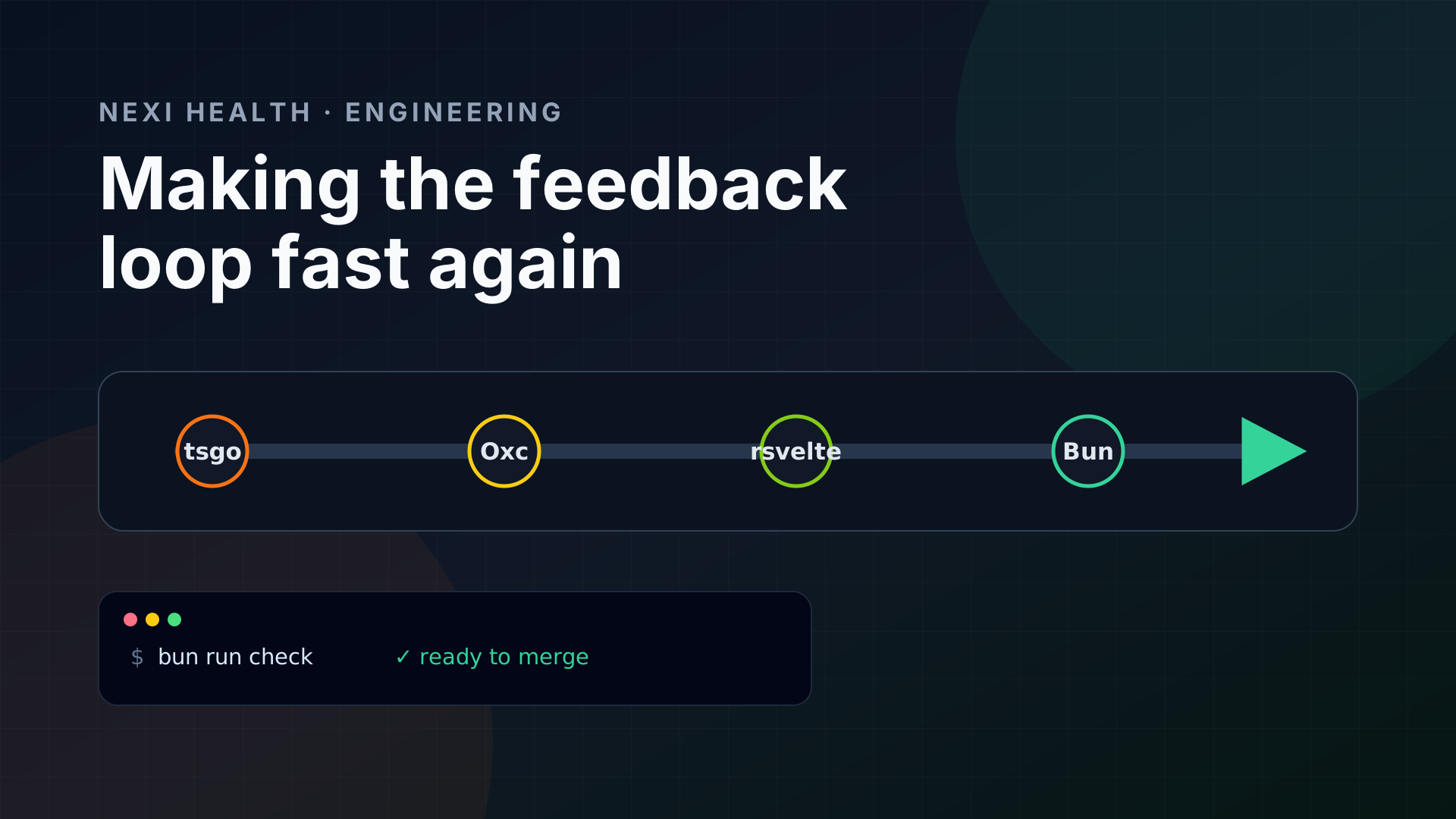
So we replaced most of our JavaScript-based tooling with native alternatives:
- TypeScript’s compiler with tsgo , the native compiler behind TypeScript 7
- ESLint with Oxlint
- Prettier with Oxfmt
svelte-checkwith@rsvelte/svelte-check, exposed through thersvelte-checkcommand- Svelte-specific linting with
@rsvelte/lint, alongside Oxc - pnpm 10 with Bun 1.4
This is not a universal migration guide. It is the story of why this stack made sense for us, and why the terminal timings were only part of the problem.
The terminal was not the worst part
A type-check that takes too long is annoying. A language server that is doing the same kind of work all day is much worse.
Our IDE is constantly asking TypeScript and Svelte questions: What type is this? Where is this component imported? Is this prop valid? What completions are available here? Which files became invalid after this edit?
That work does not stop when the terminal command finishes. It sits in the background, consuming CPU and memory while we write code.
Then add worktrees.
I often have several branches open at the same time: one for the task I am working on, another for a PR review and one or two more being used by coding agents. Each worktree can have its own editor window, dev server, TypeScript service and Svelte language server. The same repository is effectively being analysed several times in parallel.
With the old setup, opening enough of them made my MacBook sound like an airplane. The editor would become less responsive, the machine would get hot and the battery could be gone in roughly two hours. That is not a synthetic benchmark. That is a laptop telling you the development setup is doing too much work.
This became the real target of the migration: lower the amount of compute needed to keep the project understood, not merely make a CI table look better.
TypeScript 7 and tsgo
The biggest change was moving to tsgo, Microsoft’s native port of the TypeScript compiler and the compiler work behind TypeScript 7.
The command-line improvement is easy to see because you can put a timer around it. The more useful change is what native TypeScript makes possible for the language service. Type information, diagnostics, navigation and completions can be produced without keeping the old JavaScript implementation as busy for every open project.
That changes the IDE experience. Errors appear sooner. Autocomplete is less likely to stall while the project catches up. More importantly for us, keeping several copies of the repository open no longer punishes the whole machine as aggressively.
We still checked our existing configuration and compared diagnostics rather than assuming a native rewrite must be identical in every corner. A checker that misses real errors is not an optimization.
Svelte had the same problem
Svelte adds another layer of continuous analysis. A .svelte file is not just its TypeScript block: the tooling needs to understand the template, component props, compiler warnings and accessibility rules as well.
We replaced svelte-check with the Rust-powered rsvelte-check CLI from @rsvelte/svelte-check, and moved the Svelte-aware parts of our editor tooling onto the same native path where possible.
Again, the important result was not simply that bun run check ended sooner. Svelte diagnostics stopped being such a heavy background tax while the editor was open. TypeScript and Svelte checking became something our laptop could sustain across several worktrees instead of a reason to close everything except the active branch.
For linting, we also added @rsvelte/lint. Oxc can cover the JavaScript and TypeScript inside our application, but Svelte-specific compiler warnings and accessibility checks still need tooling that understands Svelte.
Our responsibilities now look like this:
oxlint          -> JavaScript and TypeScript linting
@rsvelte/lint   -> Svelte-specific linting
rsvelte-check   -> Svelte diagnostics and type-checking
oxfmt           -> formatting
tsgo            -> native TypeScript compiler work
The rsvelte packages are younger than the tools they replace. We tested them against our project and accepted that trade-off because the supported surface covered what we use. This is one of those migrations where your own components are a better compatibility test than a feature checklist.
Formatting and linting: Oxfmt and Oxlint
Our previous setup used Prettier for formatting and ESLint for linting. Both have enormous ecosystems and served us well, but they were now on a very hot path.
We replaced them with the two Oxc tools:
oxfmthandles formatting.oxlinthandles JavaScript and TypeScript linting.
The appeal of Oxc was not only the command timings. In our setup, it uses much less of the machine to do work that runs constantly. That matters when linting is happening next to a dev server, two language servers, a browser, Docker and several agents.
There is an important caveat: replacing ESLint is not the same as copying every plugin and rule into a new configuration. We reviewed the rules that protected real behaviour in our codebase, removed historical configuration that no longer earned its complexity and verified the areas where framework-specific analysis was still necessary.
The other practical benefit is startup cost. A formatter or linter that starts quickly makes focused checks viable. We can run it against the files an agent touched instead of paying a large fixed cost every time it wants to verify a small edit.
Why we did not choose Biome
Biome was an obvious candidate. It offers an attractive all-in-one approach to formatting and linting, and I like the direction of the project.
But I did not like its Svelte support for our codebase at the time we evaluated it. Some of the features we needed were missing, and its formatting produced indentation that I considered incorrect in our Svelte files.
Formatting is partly subjective, but consistency is not. If a formatter produces output the team does not want, developers will fight it or avoid it. Neither outcome helps.
Biome may be the right choice for another project, and its Svelte support will continue to evolve. For Nexi Health, Oxc plus rsvelte gave us the better combination of resource usage, coverage and output.
From pnpm 10 to Bun 1.4
We also moved from pnpm 10 to Bun 1.4.
We could have followed pnpm’s upgrade path to version 12. pnpm is a good package manager, and this was not a reaction to it being broken. We decided to disregard that upgrade and evaluate the whole path from installing dependencies to running scripts instead.
Bun gave us a fast package manager and script runner in one tool. It also reduced the number of separate runtime decisions around our local commands and CI jobs.
Changing package managers is broader than changing a formatter. Lockfiles, install behaviour, lifecycle scripts, CI caching and dependency edge cases all need attention. We tested clean installs and our full validation pipeline instead of judging the migration only by how quickly one install completed.
The point was not to move to Bun because it had the newest version number. We wanted one tool that made clean worktree setup, dependency installation and script execution less expensive.
Agents multiplied a problem we already had
Coding agents did not create this problem. They made it impossible to ignore.
An agent usually works in its own worktree so it does not interfere with my branch. That isolation is great, but it means another dependency tree, another set of checks and sometimes another editor or development process. Run several agents and the machine is now supporting several developers’ worth of tooling at once.
An effective coding agent should verify its own work. That means it may:
- Read the repository and make a change.
- Format the affected files.
- Run focused lint and type checks.
- Fix the reported issues.
- Run the checks again.
- Run the wider test or build pipeline.
If those commands are expensive, the agents compete with the editor for the same CPU and memory. The agent takes longer, autocomplete degrades in my active branch and the fans spin even harder. The cost is not just the duration printed at the end of a command; it is everything else on the laptop becoming worse while that command runs.
With the native toolchain, we can let agents run checks as often as they should without making the computer miserable to use. I can keep working in one worktree while agents validate changes in others.
The PR checks were the visible symptom
The same tools also run as required checks on pull requests. This is where the waste was easiest to notice: make an obvious one-line fix, push it and wait for formatting, linting and type-checking before GitHub will allow the merge.
We did not want to remove those checks. They protect the main branch and catch the embarrassing case where the quick fix creates a second problem. We wanted to keep the gate and reduce what it cost.
Now the same one-line PR still gets linted, formatted and type-checked, but the required checks are no longer the longest part of making the fix. Agents also reach a mergeable state sooner because each correction does not start another long validation cycle.
What I would recommend
Do not migrate because a benchmark says one tool is 20 times faster in somebody else’s repository. Measure what hurts in your own workflow.
Time the commands, but also open Activity Monitor. Look at CPU usage, memory pressure and energy impact with the editor, dev server and a realistic number of worktrees running. A tool that finishes sooner but still makes the IDE unusable has not solved the whole problem.
Then migrate one responsibility at a time and compare diagnostics, formatting output and failure behaviour. For editor tooling, pay attention to completion latency, how quickly diagnostics settle after changing branches and what happens when several projects are open.
Also keep a boring escape hatch. Native replacements are moving quickly, and framework integrations are still maturing. Pin versions, review release notes and make it easy to identify whether a failure comes from your application or from the new toolchain.
For us, the result has been worth it. The IDE stays responsive, several worktrees can coexist, agents can validate their work without taking over the laptop and small pull requests are actually small from implementation through merge.
The best benchmark is that my MacBook no longer sounds ready for takeoff just because we are shipping software.